

House
Logo
Logo anatomy
Section titled “Logo anatomy”The Home Assistant is built up of 3 elements as described below.
Antenna

Blue
For all our projects, we take the house form used in our overarching Open Home Foundation logomark and adapt it so our audiences can see both the link between the foundation and the project, and the qualities of the project.
The only difference between each project logomark is the white symbol within the house enclosure that symbolises its core attribute. This makes use of our project logos much easier, since they all follow the same rules that are covered in this Home Assistant section. The dark blue foundation part of the Open Home Foundation logomark should not appear in any of the project logos.
Antenna
Section titled “Antenna”You may see it as a tree, a set of nodes, or a PCB – we call it an antenna. The white antenna is the most recognizable and memorable part of the previous Home Assistant logomark, and is an easily understandable symbol that conveys technologies that are smart, connected, and growing evergreen.
Blue feels stable and essential. A bright sky blue is joyful, clear, and free of clouds.
Logotype
Section titled “Logotype”The logotype is what we call our project’s name when it’s styled up in our official typeface and color, and is used in combination with the logomark described above.
The headline typeface for the Home Assistant brand is Biotif, but in titlecase rather than all capitals (uppercase).
Read Typography for more details.
Design and clearspace
Section titled “Design and clearspace”The following sectrion describes the design of the logo and the clearspace that should be maintained around it to ensure its visibility and impact.
Layout and Color variations
Section titled “Layout and Color variations”See brand assets for the various layout variations of the logo and use cases.
Grid and proportions (UPDATE ASSETS)
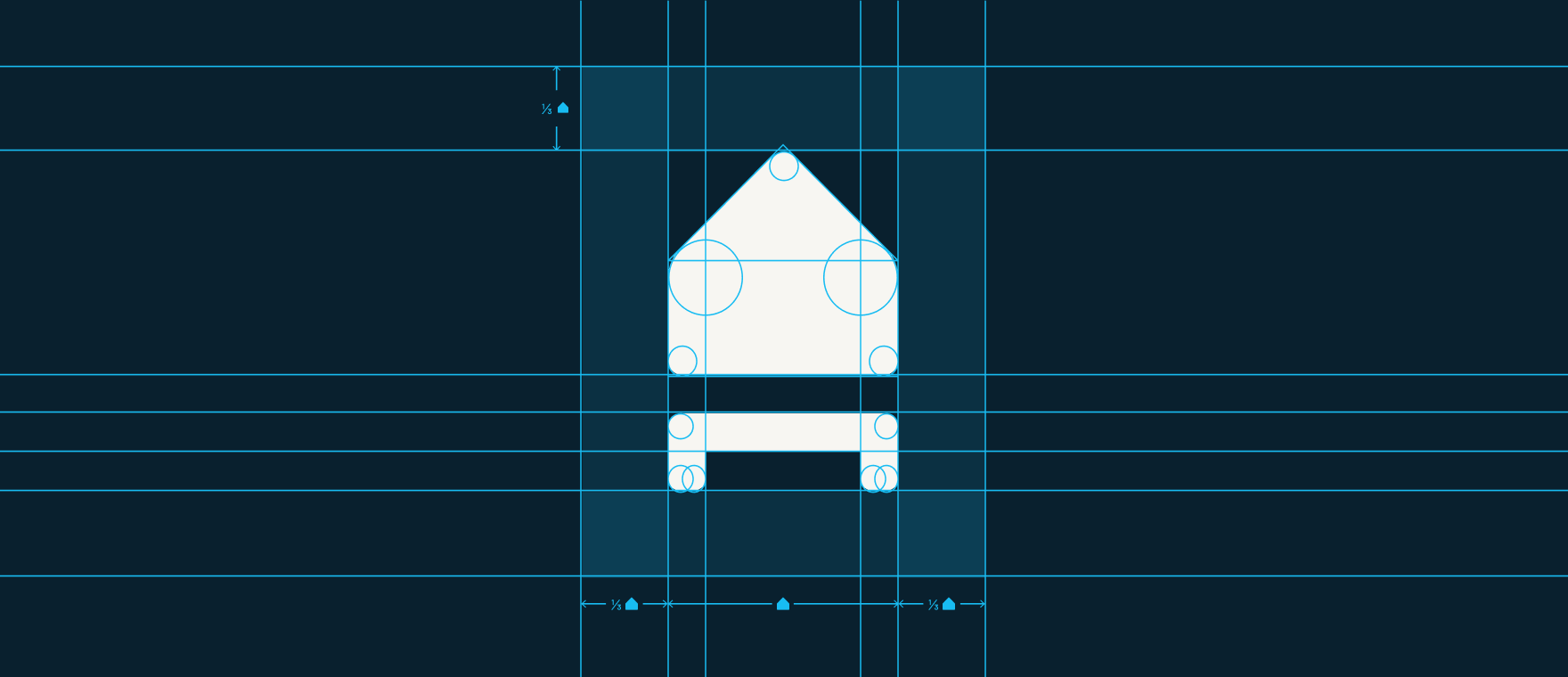
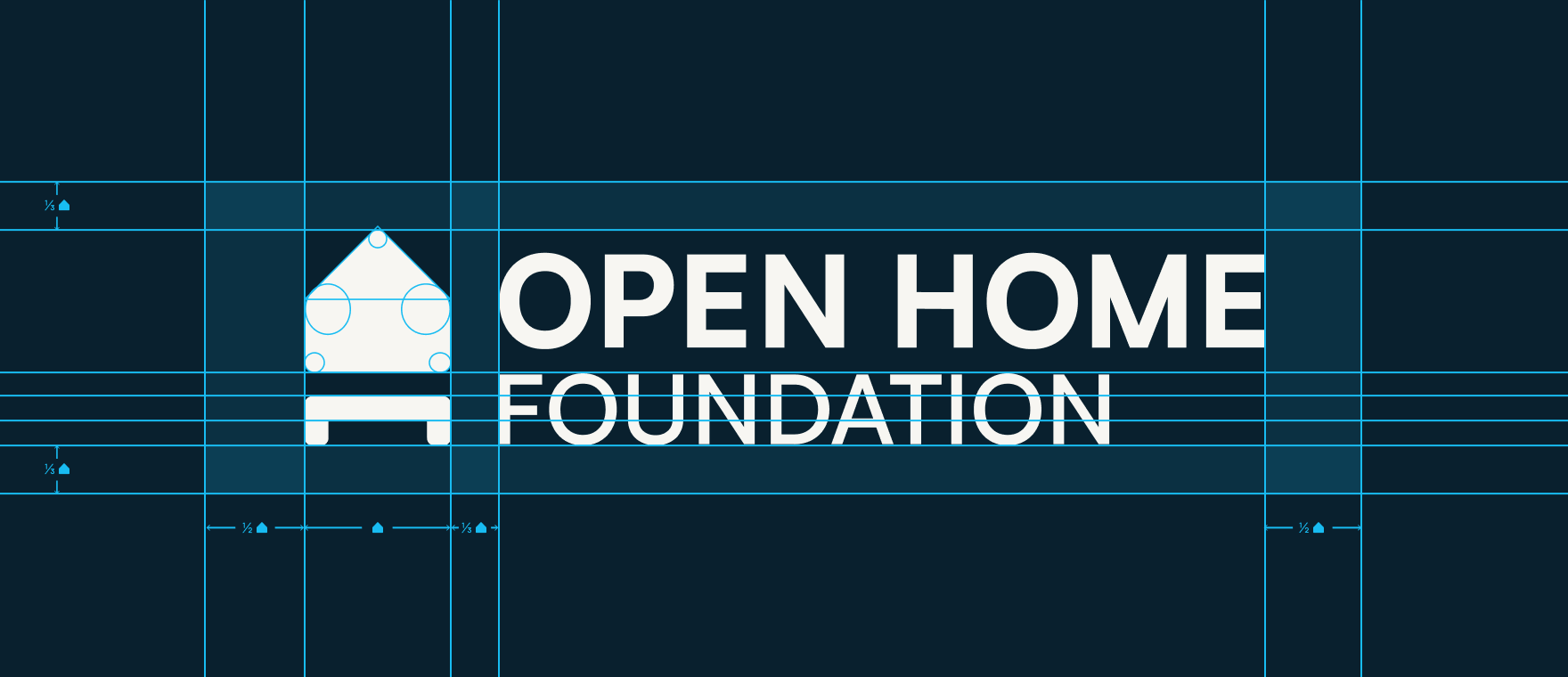
Section titled “Grid and proportions (UPDATE ASSETS)”The logo has been designed following a rigid scheme of proportions – please do not change this ratio in any way. Use the main modular unit, on which the entire logo is based, to define the grid. All other graphic elements should also be designed on this grid. As the grid is built on a square module, the vertical proportions depend entirely on the horizontals.
It is important to keep the logo free from other graphic elements. To help you regulate this, we’ve created an exclusion zone around it, which is equal to one third of the height of the icon. This exclusion zone indicates the minimum area around the logo that must be kept free of other graphic elements.
Deprecated logos
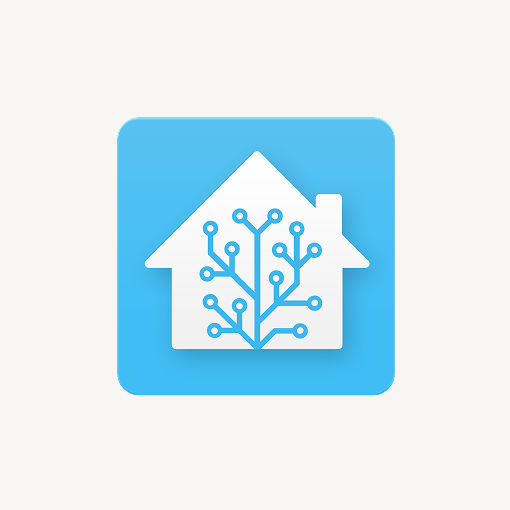
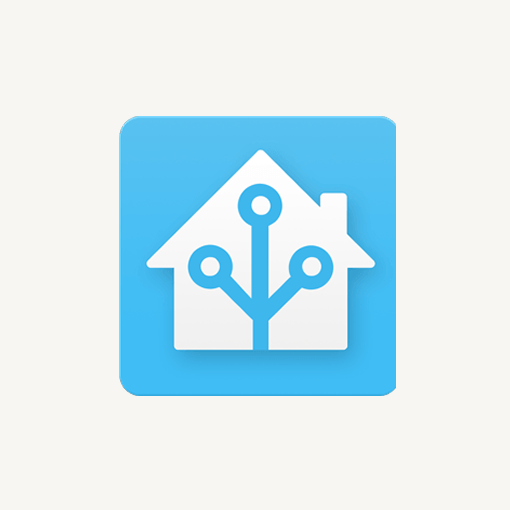
Section titled “Deprecated logos”Some older versions of the Home Assistant logo are now deprecated and should not be used. Please follow these official visual guidelines to ensure consistent and correct branding and only use approved logos.
What to avoid
Section titled “What to avoid”The logo has relative sizes and proportions determined by the criteria of composition, hierarchy and functionality. Under no circumstances should these sizes and proportions be altered – here are some examples of what to avoid:

Don’t distort or rotate the logo in any way. Don’t change the dimensions or move any logo element.

Don’t place the logo against any background that doesn’t create contrast.

Don’t change the original solid color with an outline.

Don’t add drop shadow.

Don’t change letter spacing.

Don’t change any color, don’t add any kind of gradient. Use only the selected color palette.